
LinkedIn Posts: Grab them By the Hook
Get their attention
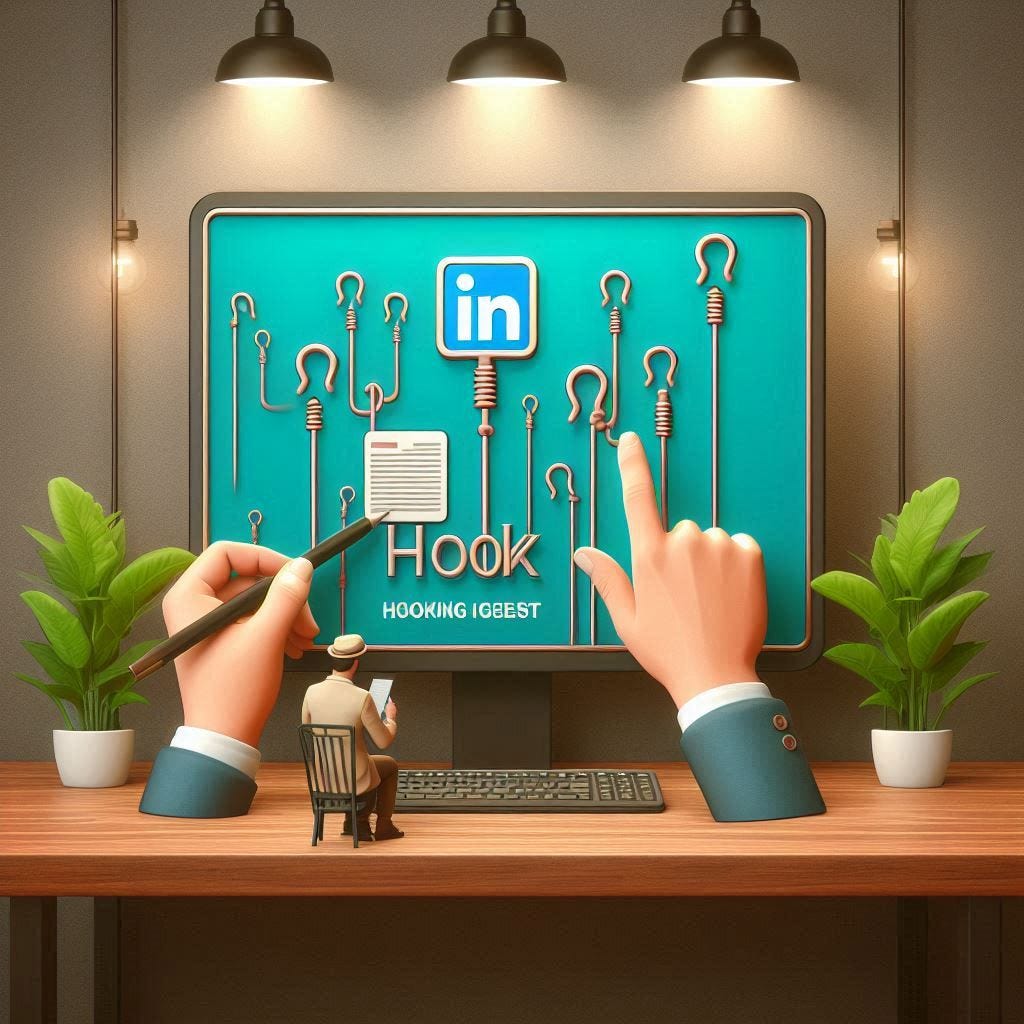
The Hook
The hook of a LinkedIn post is the first sentence that introduces your post and grabs the reader’s attention.
On LinkedIn, you are given 2-3 lines for your hook before it’s truncated with ellipses (these dots …). Most people don’t think this is a big deal but what they don’t realize is that if a reader isn’t interested enough, they won’t be compelled to read the rest of your post.
There are many different types of hooks to use that we can classify below. For beginners, the best hook to start with is to explain what your post will be about with enough context for the reader to care about your writing.
“5 SEO tips” → “5 SEO tips to get traffic” → “SEO advice from OpenAI to stay relevant against AI.”
Oddly enough, giving more context to your hook makes it more interesting. You can give your hooks more context with the following methods.
How to Hook
Answer why the reader should care. Explain if your content will help the reader get promoted, double their salary, land more deals, or stay up to date with their skills. Be explicit about the outcome the reader will have reading your content instead of leaving it ambiguous.
It would seem like leaving it ambiguous would make the post “mysterious” but it actually turns out that most readers “aren’t interested enough to care”.
Introduce a subject. Subjects are people or nouns the reader will focus on. This can be the name of companies, CEOs, or technologies. Essentially the reader will focus on that subject and decide if it’s interesting enough to keep reading. How rare or relatable the subject is will build trust with the reader, and that they will walk away learning something new from reading your post.
Keep it simple. The average LinkedIn reader is scrolling through their feed to relax, read an interesting thought, or learn something new. At the same time, a hook that is too difficult to read or understand will make them scroll to the next post.
Use simple language and simple ideas in the hook to make it easier for the reader to decide whether to read the rest of your post.
Be familiar. A post that appeals to a niche audience will have a niche reach. Use terminology and language that appeals to a broader audience to make your post more visible.
Not everyone knows who Eric Schmidt is, but everyone can understand “Former Google CEO”. If you need to mention a niche idea, associate it with a familiar idea to make it easier for the reader.
Hooks that stand out:
“If I was hit by a bus and left to die, nobody would have context on my code.”
The bus imagery is intense but it also connects to the old “hit by a bus” idea in software engineering that we should share our knowledge. The ending phrase “nobody would have context on my code” sets the stage that this is a problem and the rest of the post explains why.
“The consultants who get promoted fastest always have a sense of urgency.”
The subject is on consultants to give context on who this post relates to. The word promotion gives more context about a desirable outcome for those engineers. Sense of urgency sets the tone that this post will expand on this subject of “urgency” and possibly give the reader a new insight about being urgent as an consultant.
“Entry level means 0 YEARS OF EXPERIENCE.”
This is a bold statement that supporters will agree to. Capitalizing lets the reader focus on that declaration. Using a hook like this sets the tone that the post will have a strong stance in one direction and reject the other (entry level can mean more than 0 years of experience). The reach of a post like this depends on how agreeable the statement is with LinkedIn users.
Compare “Remote work is HERE TO STAY” with “Return to office is HERE TO STAY”. The words are the same but the argument is different. A strong declaration will always do well if most people agree with it. But arguing for the smaller side will limit your reach.
Of course, stay true to what you believe in but keep in mind how many people are also aligned with what you have to say.
The above article is an excerpt from my newly launched LinkedIn writing course!
After 4 years of writing on LinkedIn, I chatted with a lot of people and learned their struggles writing on LinkedIn. This inspired me to build this written course with my own personal experience.
The content in this newsletter will always be free, but if you need a guided course to learn how to write on LinkedIn, you can find a link to it here.